
- Chrome
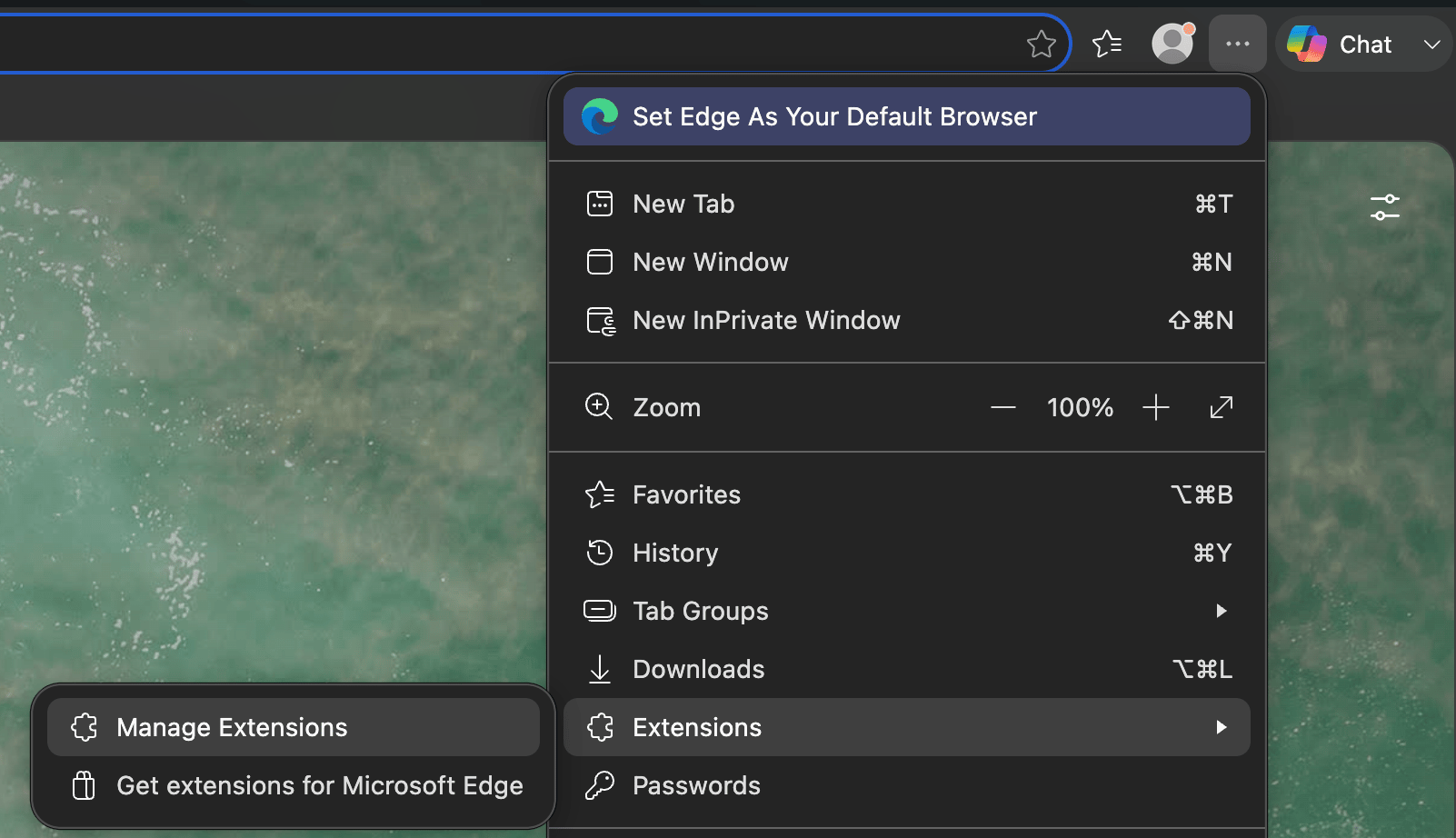
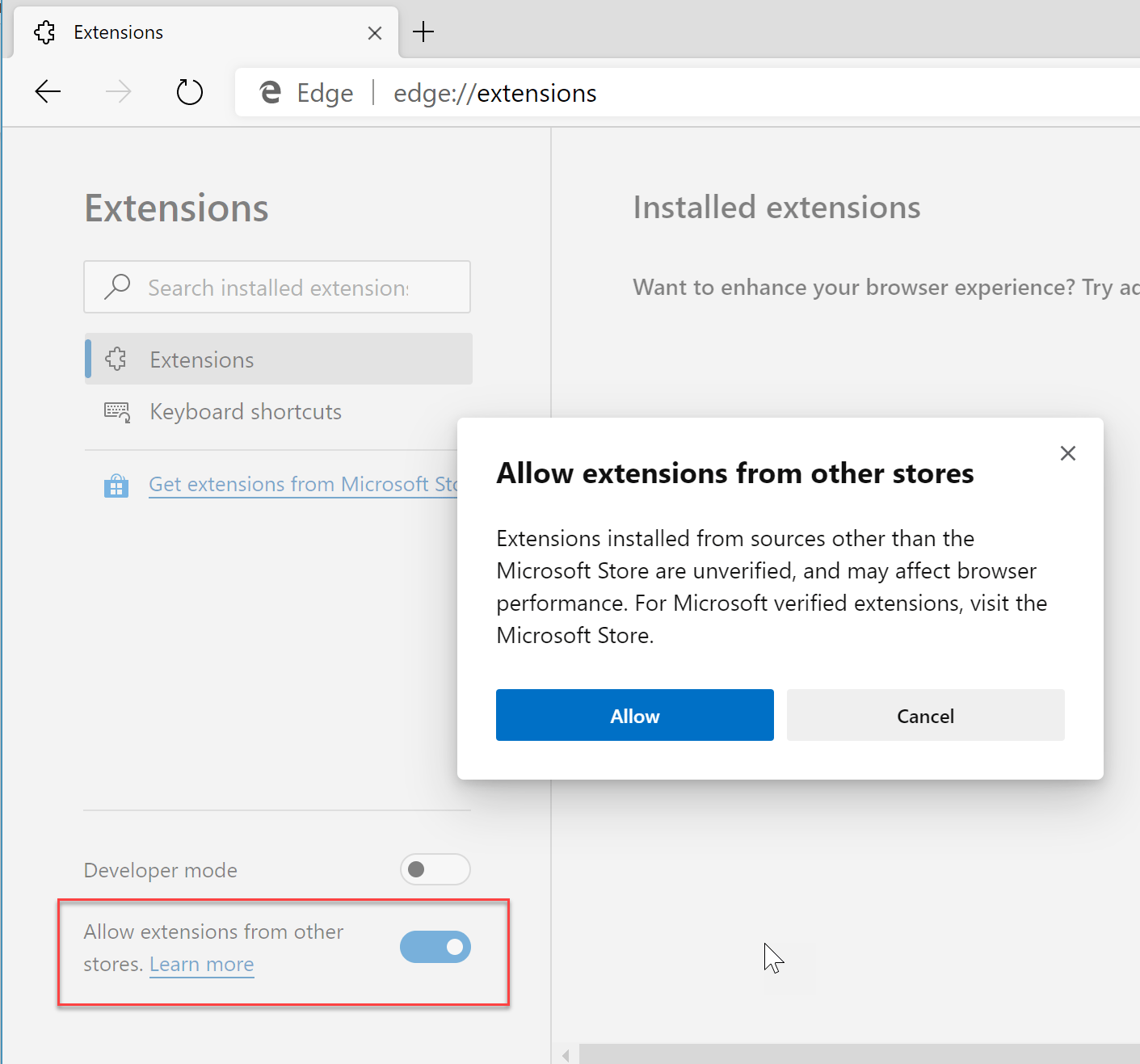
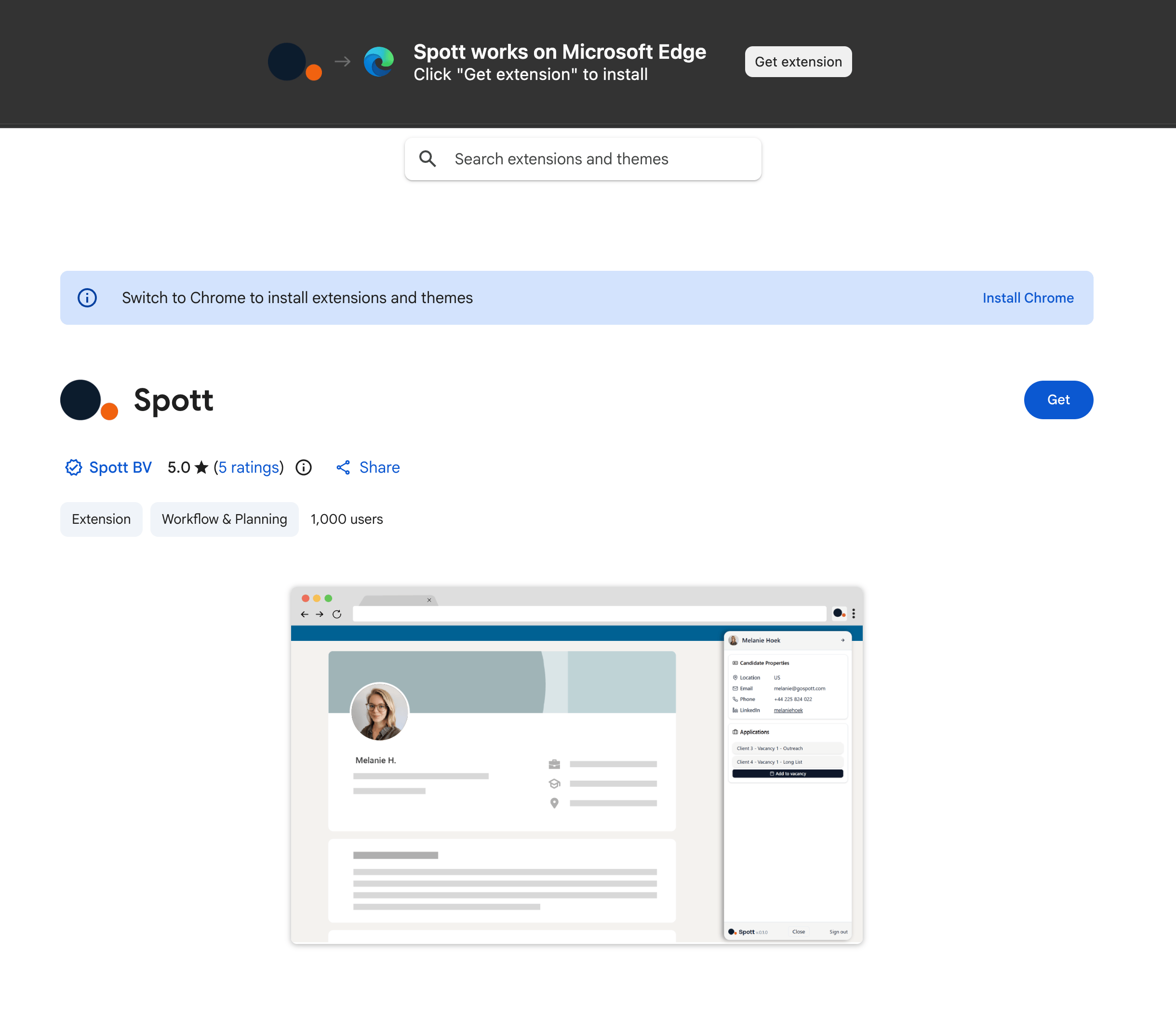
- Edge
1
Visit the Chrome Extension store
Go to this link to visit the Spott Extension’s store page.
2
Install the Extension
Click Add to Chrome to install the extension.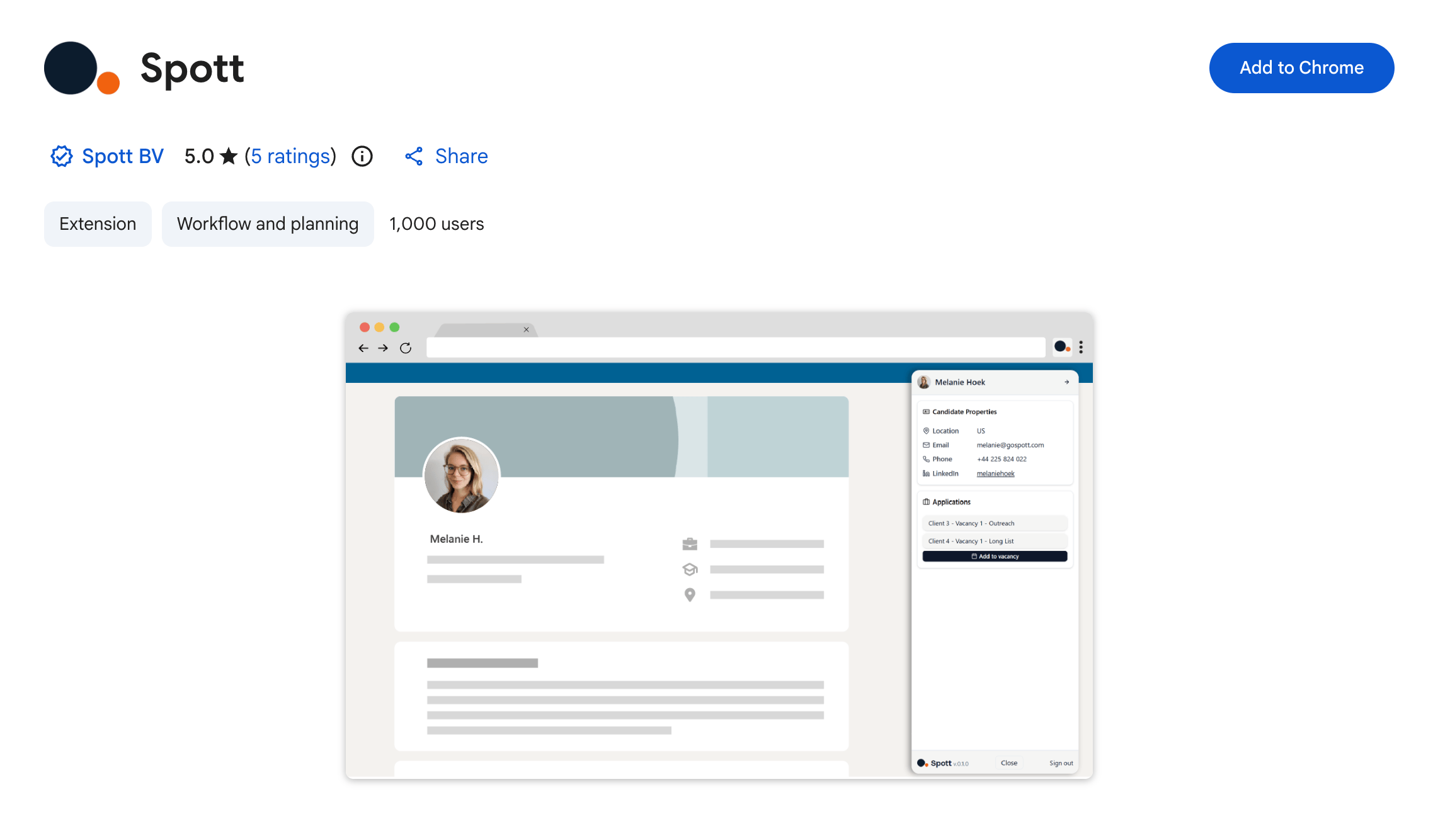
3
Pin the Extension
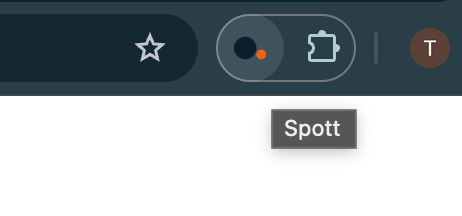
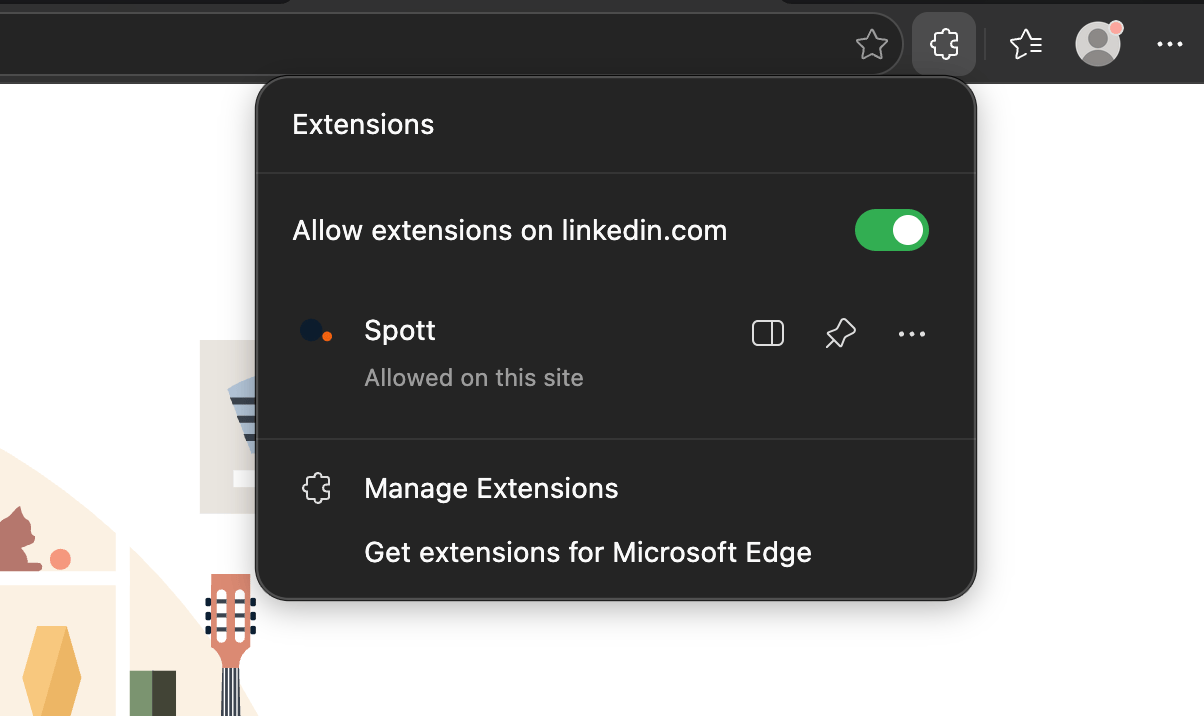
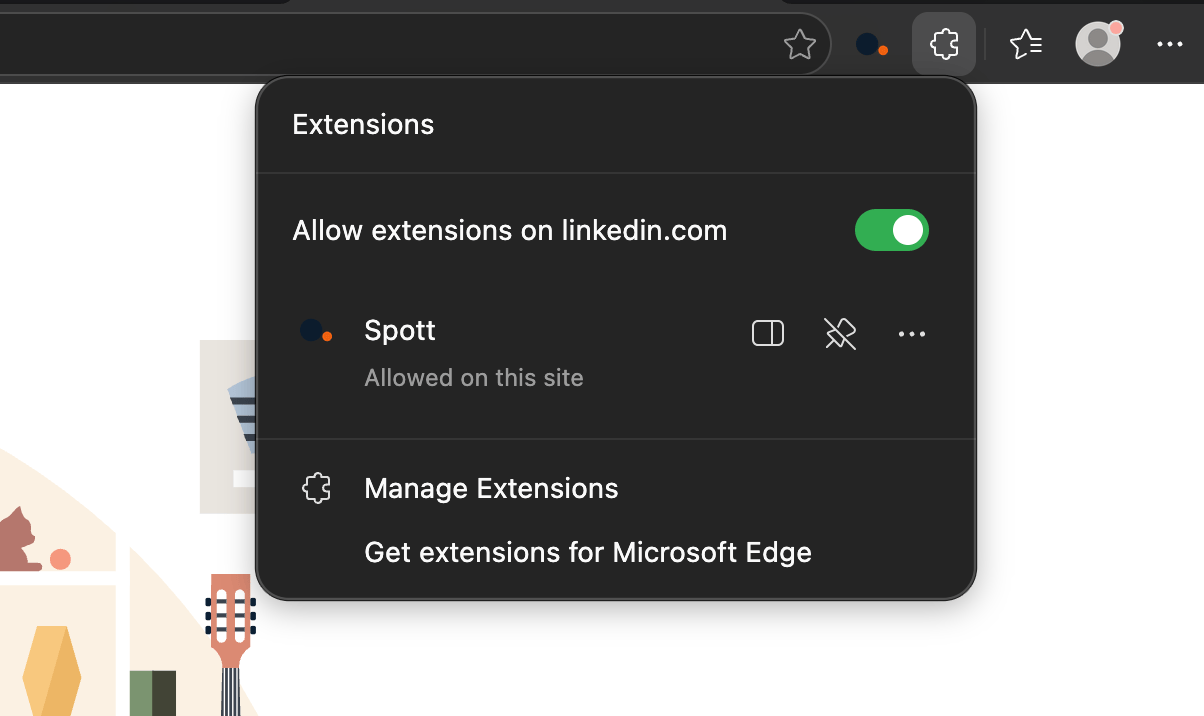
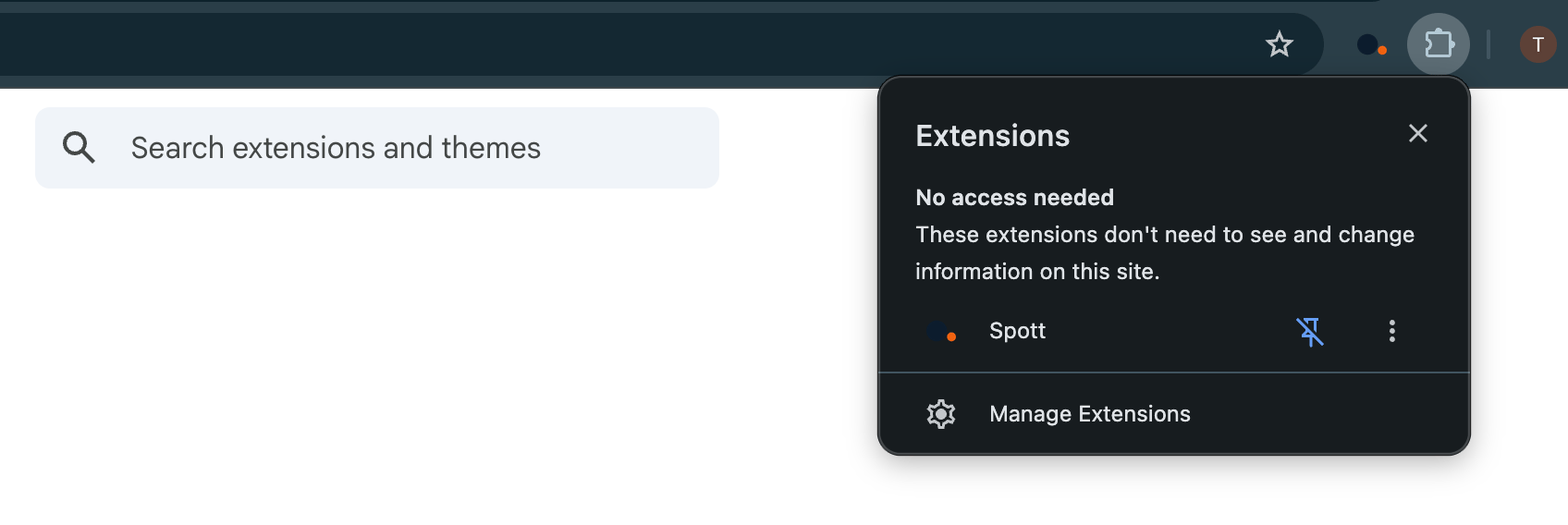
By default, the extension will be hidden behind the Extensions button. If you use the extension often and want easier access, open the submenu and click the Pin icon.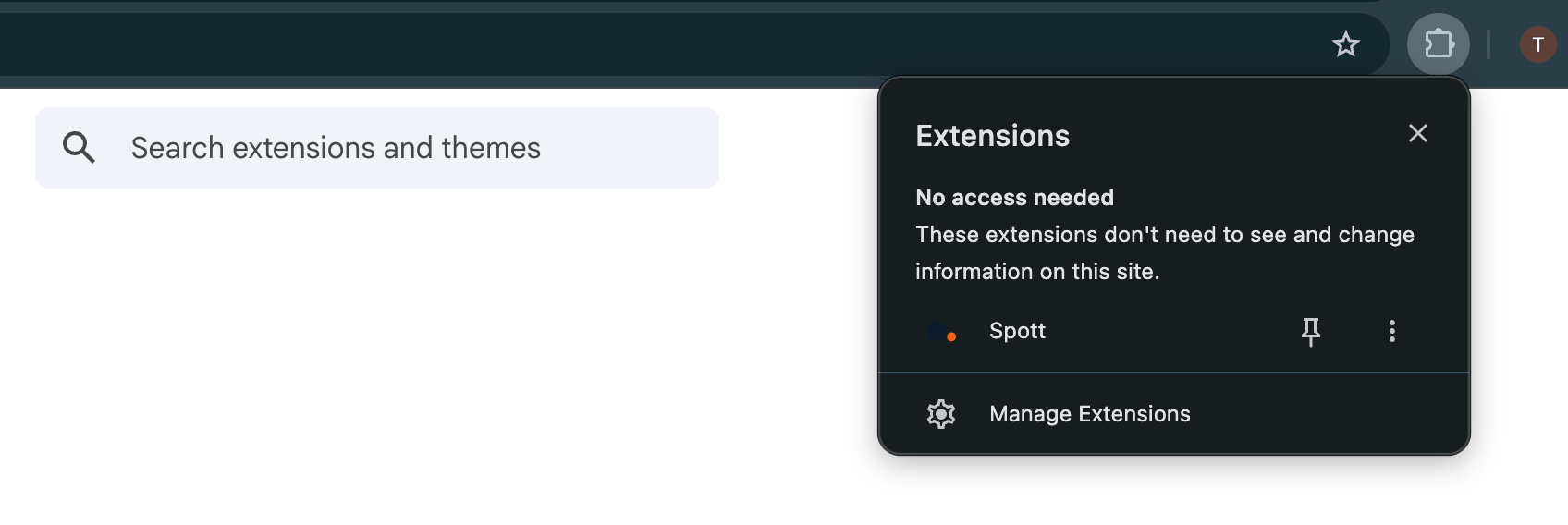
4
Open the Extension
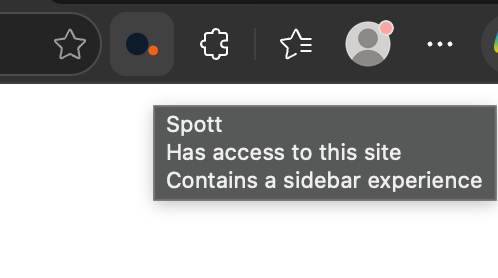
You can now open the Extension by clicking the Spott logo.